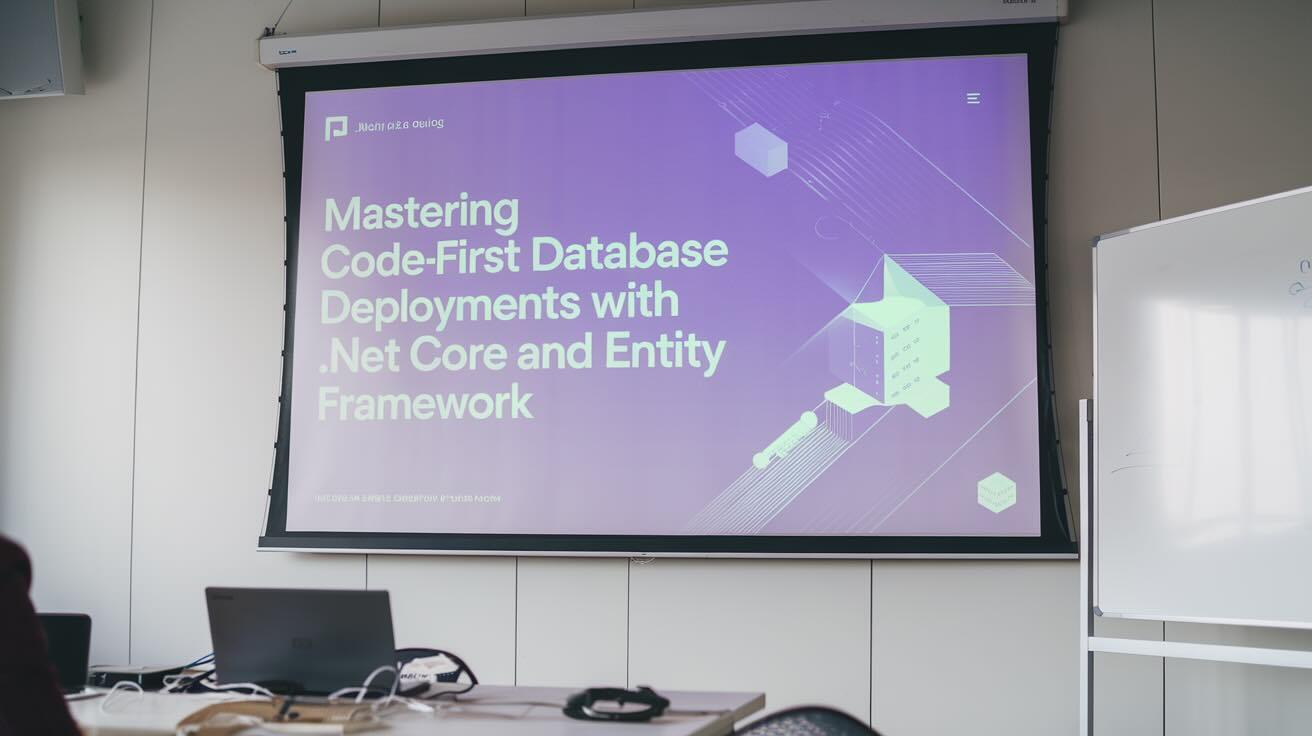
Database schema changes are one of the riskiest parts of any deployment. A missing column, a broken foreign key, or a migration that runs twice can take down a production application in seconds. Entity Framework Core's code-first approach solves half the problem by letting you define schemas in C# and generate migrations automatically. The other half — getting those migrations safely to production — is what this guide focuses on.
We will build a complete deployment pipeline using EF Core 9 migration bundles and DeployHQ, so that every schema change flows through version control, gets tested, and reaches production without anyone running dotnet ef database update over SSH.
What code-first actually gives you
In a code-first workflow, your C# classes are the database schema. Entity Framework Core compares your model classes against the current database state and generates migration files that describe the diff. Those migration files are committed to Git alongside your application code, which means:
- Schema changes go through code review like any other change
- You can trace exactly when and why a column was added
- Rolling back means reverting a Git commit, not writing manual SQL
- The same migrations run identically across dev, staging, and production
A practical example
public class Product
{
    public int Id { get; set; }
    public required string Name { get; set; }
    public decimal Price { get; set; }
    public DateTime CreatedAt { get; set; }

    public int CategoryId { get; set; }
    public Category Category { get; set; } = null!;
    public List<OrderItem> OrderItems { get; set; } = [];
}

public class Category
{
    public int Id { get; set; }
    public required string Name { get; set; }
    public string? Description { get; set; }
    public List<Product> Products { get; set; } = [];
}
Note the required keyword and nullable annotations — EF Core 9 on .NET 9 has nullable reference types enabled by default. Omitting them produces compiler warnings and can cause unexpected NOT NULL constraints.
Setting up EF Core 9
Project setup
dotnet new webapi -n MyApp
cd MyApp
dotnet add package Microsoft.EntityFrameworkCore.SqlServer
dotnet add package Microsoft.EntityFrameworkCore.Design
DbContext with .NET 9 minimal hosting
// Program.cs
var builder = WebApplication.CreateBuilder(args);

builder.Services.AddDbContext<AppDbContext>(options =>
    options.UseSqlServer(builder.Configuration.GetConnectionString("Default")));

var app = builder.Build();
app.MapControllers();
app.Run();
// Data/AppDbContext.cs
public class AppDbContext : DbContext
{
    public AppDbContext(DbContextOptions<AppDbContext> options) : base(options) { }

    public DbSet<Product> Products => Set<Product>();
    public DbSet<Category> Categories => Set<Category>();
}
Store the connection string in appsettings.json for development:
{
  "ConnectionStrings": {
    "Default": "Server=localhost;Database=MyApp;Trusted_Connection=true;TrustServerCertificate=true"
  }
}
For production, use environment variables or DeployHQ config files — never commit production connection strings to Git.
Creating and managing migrations
# Install EF Core tools (once)
dotnet tool install --global dotnet-ef

# Create initial migration
dotnet ef migrations add InitialCreate

# Review the generated file before applying
cat Migrations/*_InitialCreate.cs

# Apply to local database
dotnet ef database update
Migration best practices
- Name migrations descriptively:
AddProductCategoryRelationship, notUpdate1 - Keep migrations small: one logical change per migration
- Always review generated code: EF sometimes generates destructive operations (dropping columns) that you may want to adjust
- Never edit an applied migration: if a migration has been applied to any environment, create a new migration to correct it
EF Core 9 breaking change: pending model changes
EF Core 9 now throws an exception if you call Migrate() or dotnet ef database update when there are model changes without a corresponding migration. This catches a common mistake where developers forget to generate a migration, but it can surprise you if you are upgrading from EF Core 8:
The model for context 'AppDbContext' has pending changes.
Add a new migration before updating the database.
If you need to suppress this during development, configure it explicitly:
builder.Services.AddDbContext<AppDbContext>(options =>
    options.UseSqlServer(connectionString)
           .ConfigureWarnings(w => w.Ignore(RelationalEventId.PendingModelChangesWarning)));
Do not suppress this in production — it exists to protect you.
The three ways to deploy migrations (and which to use)
| Method | Use in dev | Use in CI/CD | Use in production |
|---|---|---|---|
dotnet ef database update |
Yes | No | No |
Database.Migrate() at startup |
Yes | No | No |
| Migration bundles | Optional | Yes | Yes |
Why not dotnet ef database update in production?
It requires the .NET SDK and your source code on the production server. It also does not play well with multiple app instances — if two instances start simultaneously, both try to run migrations and you get deadlocks.
Why not Database.Migrate() at startup?
Same concurrency problem. In a load-balanced or Kubernetes environment, multiple instances calling Migrate() at the same time causes race conditions. It also couples your application startup to database availability, which increases deployment failure modes.
Migration bundles: the production-ready approach
A migration bundle is a self-contained executable that contains all your migrations and applies them. It does not need the .NET SDK, does not need your source code, and runs as a single process — no concurrency issues.
# Generate the bundle
dotnet ef migrations bundle --self-contained -r linux-x64 -o efbundle

# The output is a single executable
ls -la efbundle
# -rwxr-xr-x  1 user  staff  45M  efbundle
Run it against any database:
./efbundle --connection "Server=prod-db;Database=MyApp;User Id=deploy;Password=secret"
The bundle is idempotent — it checks which migrations have already been applied and only runs the new ones.
Building a DeployHQ pipeline
Here is the complete workflow: push code to Git, DeployHQ builds your app and the migration bundle, deploys both to your server, and runs migrations before starting the new application version.
flowchart LR
    Dev["Developer"]
    Git["Git Push"]
    DHQ["DeployHQ"]
    Build["Build Step:\ndotnet publish\ndotnet ef migrations bundle"]
    Deploy["Deploy to VPS\nvia SSH/SFTP"]
    Migrate["SSH Command:\n./efbundle"]
    Restart["SSH Command:\nsystemctl restart myapp"]

    Dev --> Git --> DHQ --> Build --> Deploy --> Migrate --> Restart
Step 1: Repository structure
MyApp/
  src/
    MyApp/
      Program.cs
      Data/
        AppDbContext.cs
      Models/
        Product.cs
        Category.cs
      Migrations/
        20260315_InitialCreate.cs
        ...
  scripts/
    deploy.sh
  MyApp.sln
Step 2: Create a DeployHQ project
- Sign up or log in to DeployHQ
- Create a new project and connect your GitHub or GitLab repository
- Add an SSH/SFTP server pointing to your VPS or cloud server
Step 3: Configure the build step
In DeployHQ's Build Commands section, add:
cd src/MyApp
dotnet restore
dotnet publish -c Release -o ../../publish
dotnet ef migrations bundle --self-contained -r linux-x64 -o ../../publish/efbundle --no-build
This produces two artifacts in publish/:
- Your compiled application
- The
efbundlemigration executable
Step 4: Set deploy path and config files
- Deploy path:
/home/deploy/myapp/ - Config file: add
appsettings.Production.jsonthrough DeployHQ's Config Files feature to inject the production connection string without committing it to Git:
{
  "ConnectionStrings": {
    "Default": "Server=prod-db;Database=MyApp;User Id=deploy_user;Password=${DB_PASSWORD}"
  }
}
Step 5: Add SSH commands
In DeployHQ's SSH Commands (run after file transfer):
cd /home/deploy/myapp/publish

# Make bundle executable
chmod +x efbundle

# Run migrations (idempotent — safe to run on every deploy)
./efbundle --connection "$CONNECTION_STRING"

# Restart the application
sudo systemctl restart myapp
Now every git push to your main branch:
- Builds the application and migration bundle
- Deploys both to your server
- Runs pending migrations
- Restarts the application
Handling failed migrations
If the migration bundle fails, the SSH command exits with a non-zero code, and DeployHQ marks the deployment as failed. Your application continues running the previous version — no half-applied state.
To recover:
- Fix the migration in your codebase
- Push the fix
- DeployHQ re-deploys and re-runs the bundle (it skips already-applied migrations and only runs the fixed one)
Writing safe production migrations
Not all migrations are safe to run on a live database. Here are patterns that avoid downtime:
Safe: adding a nullable column
public class AddProductSku : Migration
{
    protected override void Up(MigrationBuilder migrationBuilder)
    {
        migrationBuilder.AddColumn<string>(
            name: "Sku",
            table: "Products",
            type: "nvarchar(50)",
            nullable: true);  // nullable = no lock, no data rewrite
    }

    protected override void Down(MigrationBuilder migrationBuilder)
    {
        migrationBuilder.DropColumn(name: "Sku", table: "Products");
    }
}
Unsafe: renaming a column (breaks running app)
Instead, use an expand-and-contract pattern:
// Migration 1: Add new column (deploy this first)
migrationBuilder.AddColumn<string>("ProductName", "Products", nullable: true);
migrationBuilder.Sql("UPDATE Products SET ProductName = Name");

// Migration 2: After app is updated to use ProductName, drop the old column
migrationBuilder.DropColumn("Name", "Products");
Custom SQL in migrations
For operations EF cannot express (data backfills, index changes, stored procedures):
public class AddProductSearchIndex : Migration
{
    protected override void Up(MigrationBuilder migrationBuilder)
    {
        migrationBuilder.Sql(@"
            CREATE INDEX IX_Products_Name_Sku
            ON Products (Name, Sku)
            INCLUDE (Price)
            WHERE Sku IS NOT NULL;
        ");
    }

    protected override void Down(MigrationBuilder migrationBuilder)
    {
        migrationBuilder.Sql("DROP INDEX IX_Products_Name_Sku ON Products;");
    }
}
Pre-deploy database backup
Add a backup step before migrations in your DeployHQ SSH commands:
# Backup before migration (SQL Server)
sqlcmd -S prod-db -U backup_user -P "$BACKUP_PASSWORD" \
  -Q "BACKUP DATABASE MyApp TO DISK='/backups/myapp_$(date +%Y%m%d_%H%M%S).bak'"

# Or for PostgreSQL
pg_dump -h prod-db -U backup_user -d myapp > /backups/myapp_$(date +%Y%m%d_%H%M%S).sql

# Then run migrations
./efbundle --connection "$CONNECTION_STRING"
Troubleshooting
| Problem | Cause | Solution |
|---|---|---|
Pending model changesexception |
Model changed without new migration | Run dotnet ef migrations add <Name> locally |
Bundle fails with already applied |
Migration was manually applied | Check __EFMigrationsHistory table |
| Timeout during migration | Large data migration on big table | Break into smaller batches using raw SQL |
Login failed for user |
Wrong connection string | Check DeployHQ config files and environment variables |
| Bundle not found on server | Build step failed silently | Check DeployHQ build logs |
Further reading
- Deploying .NET Applications with DeployHQ on DigitalOcean — full .NET deployment walkthrough
- Protecting Your API Keys: Best Practices for Secure Deployment — managing secrets in deployments
- Managing Environment Variables Across Deployment Stages — per-environment configuration
- What Is a Build Pipeline? — build step fundamentals
- Official EF Core Migrations Documentation — Microsoft reference
- EF Core Migration Bundles — Microsoft deep dive on bundles
If you have questions or need help, reach out at support@deployhq.com or on Twitter/X.