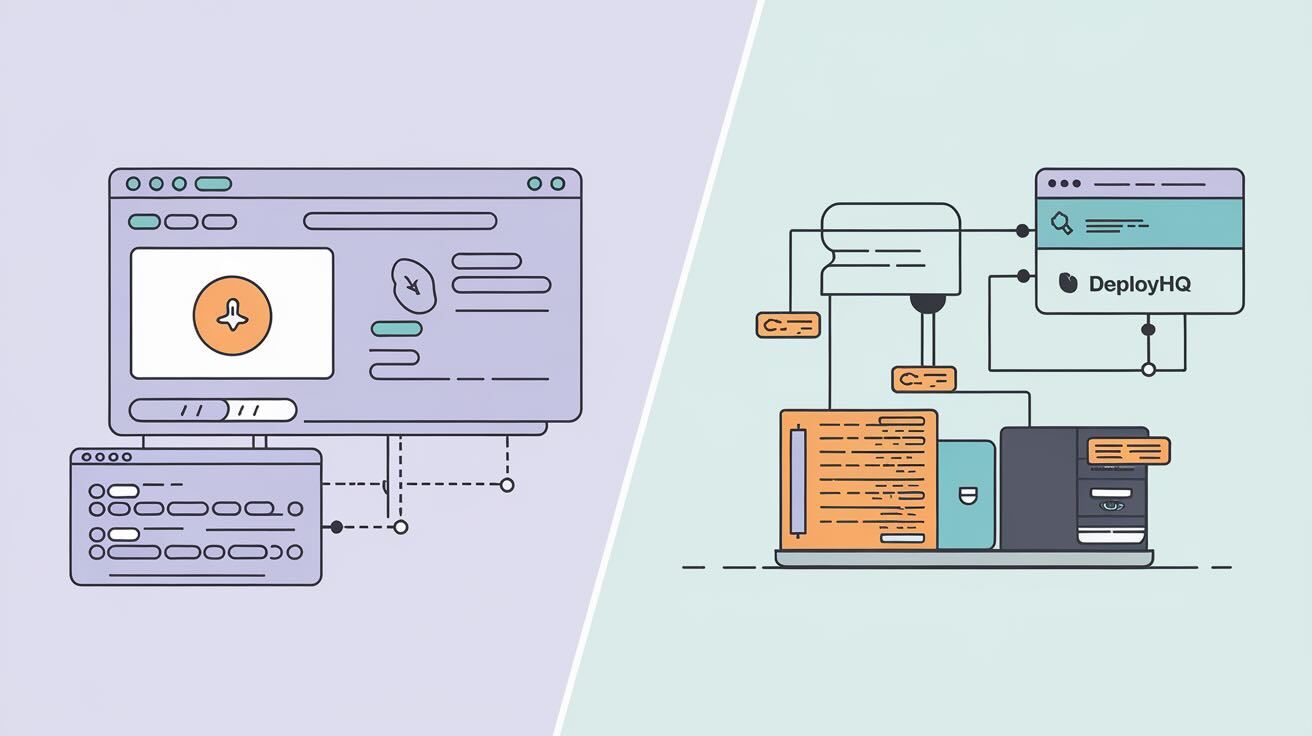
If you deploy PHP applications, you've probably come across both DeployHQ and Deployer. They solve the same core problem — getting your code from a repository to a server — but they take fundamentally different approaches.
DeployHQ is a cloud-hosted platform with a web interface. Deployer is an open-source PHP CLI tool you install and configure yourself. This guide breaks down the differences so you can pick the right one for your team.
Quick Comparison
| Feature | DeployHQ | Deployer |
|---|---|---|
| Type | Cloud-hosted platform | Open-source CLI tool |
| Interface | Web dashboard | Command line |
| Languages | Any (PHP, Node.js, Ruby, Python, static) | PHP-focused |
| Setup time | Minutes (sign up, connect repo) | Longer (install, write recipes) |
| Repository support | GitHub, GitLab, Bitbucket, self-hosted | Git, SVN |
| Deployment method | File transfer (SFTP, SSH, S3, etc.) | SSH with release directories |
| Auto deployment | Built-in (webhook on push) | Requires CI/CD integration |
| Rollback | One-click in dashboard | Symlink to previous release |
| Build commands | Built-in (pre/post deploy scripts) | Task-based (custom recipes) |
| Zero-downtime deploy | Via atomic deployments | Built-in (symlink strategy) |
| Team collaboration | Multi-user with permissions | Shared config files (no built-in ACL) |
| Pricing | Free tier + paid plans | Free (open source) |
| Best for | Teams wanting simplicity and visibility | Developers wanting full CLI control |
DeployHQ: What It Does Well
DeployHQ is built for teams that want reliable deployments without maintaining deployment infrastructure.
Strengths:
- No server-side installation — It's a hosted service. Sign up, connect your repo, add your server, and deploy. There's nothing to install or maintain on your servers beyond SSH/FTP access.
- Visual deployment history — Every deployment is logged with a diff of exactly which files changed, who triggered it, and whether it succeeded. Useful for debugging and auditing.
- Multi-environment management — Map branches to servers (e.g.,
main→ production,staging→ staging) and manage all environments from one dashboard. - Automatic deployments — Push to a branch, DeployHQ deploys automatically. No webhook plumbing required.
- Language-agnostic — Works with any stack. PHP, Node.js, Ruby, Python, static sites — DeployHQ doesn't care what you're deploying.
- Build commands — Run
composer install,npm run build, or any other command before deployment.
Where it's less suited:
- Complex deployment orchestration across multiple servers simultaneously (e.g., deploying to a cluster with load balancer coordination)
- Teams that prefer everything defined in code with no external platform dependencies
Deployer: What It Does Well
Deployer is an open-source deployment tool built by and for PHP developers. It uses a recipe-based system where deployments are defined as PHP tasks.
Strengths:
- Full control via code — Your entire deployment process is defined in a
deploy.phpfile. Version-controlled, reviewable, and infinitely customisable. - Zero-downtime deployments — Deployer's release directory strategy (with symlinks) is designed for zero-downtime from the start.
- Rich recipe ecosystem — Pre-built recipes for Laravel, Symfony, WordPress, Yii, and other PHP frameworks. Run
dep initand get a working deployment config in seconds. - No external dependencies — Runs from your local machine or CI server. No third-party service to depend on or pay for.
- Parallel deployments — Deploy to multiple servers simultaneously from the CLI.
Where it's less suited:
- Non-PHP projects (it's a PHP tool, designed for the PHP ecosystem)
- Teams without CLI experience or DevOps knowledge
- Situations where you need a visual dashboard for non-technical stakeholders
DeployHQ for Laravel Projects
Laravel is one of the most popular PHP frameworks, and both tools handle it well — but differently.
With DeployHQ, deploying a Laravel app involves:
- Connecting your repository
- Adding your server (SSH details)
- Setting build commands:
composer install --no-dev --optimize-autoloader npm install && npm run build - Adding a post-deploy command:
php artisan migrate --force php artisan config:cache php artisan route:cache - Enabling auto deployment on your
mainbranch
Everything is configured through the web interface — no files to manage in your repo.
With Deployer, you'd create a deploy.php file in your project:
<?php
namespace Deployer;

require 'recipe/laravel.php';

host('your-server.com')
    ->set('remote_user', 'deployer')
    ->set('deploy_path', '/var/www/myapp');

set('repository', 'git@github.com:your-org/your-app.git');

after('deploy:vendors', 'artisan:migrate');
Then deploy with: dep deploy
The Laravel recipe handles most of the work — creating release directories, linking storage, running migrations, and symlinking the current release.
Which is better for Laravel? If your team is comfortable with the CLI and wants deployment-as-code, Deployer's Laravel recipe is excellent. If you want a visual dashboard, easier onboarding for new team members, and don't want to manage deployment config files, DeployHQ is the simpler path.
Security Comparison
| Security Feature | DeployHQ | Deployer |
|---|---|---|
| SSH key authentication | Yes | Yes |
| Encrypted connections | Yes (SSH/SFTP) | Yes (SSH) |
| Secrets management | Environment variables in dashboard | External (vault, .env files) |
| Access control | Role-based team permissions | File-based (whoever has CLI access) |
| Audit trail | Full deployment history with diffs | Log files (manual setup) |
| Two-factor authentication | Yes (platform login) | N/A (CLI tool) |
DeployHQ has an advantage for teams that need access control and audit trails without additional tooling. Deployer relies on your existing server access controls and CI/CD platform for these features.
Pricing
DeployHQ offers a free tier (1 project, 1 server) with paid plans starting at $4.50/month for more projects, servers, and team members.
Deployer is free and open-source. However, you'll need your own CI/CD infrastructure (GitHub Actions, GitLab CI, etc.) to automate deployments, which may have its own costs.
For small teams or individual developers, Deployer's zero cost is attractive. For agencies managing multiple client projects, DeployHQ's per-project pricing with centralised management often works out more practical.
Which One Should You Choose?
Choose DeployHQ if:
- You want deployments working in minutes, not hours
- Your team includes non-technical members who need visibility into deployments
- You manage multiple projects and want them all in one dashboard
- You deploy non-PHP projects (Node.js, Ruby, Python, static sites)
- You need built-in access control, audit trails, and notifications
Choose Deployer if:
- You want your deployment process defined as code in your repository
- You're deploying PHP/Laravel applications and want framework-specific recipes
- You prefer CLI tools and have DevOps experience on your team
- You want zero-downtime deployments out of the box
- Budget is a primary concern and you can handle the setup yourself
Consider using both if you have a mix of PHP and non-PHP projects, or if different teams within your organisation have different preferences.
Frequently Asked Questions
Which tool is better for beginners?
DeployHQ. Its web interface guides you through setup, and you don't need to write any configuration files. You can have your first deployment running in under 10 minutes.
Can Deployer handle complex deployment scenarios?
Yes. Deployer's task-based architecture lets you define arbitrary PHP logic in your deployment pipeline. Multi-server deployments, conditional tasks, parallel execution, and custom rollback strategies are all possible.
Does DeployHQ support zero-downtime deployments?
DeployHQ uses atomic deployments to minimise downtime. For applications that require symlink-based zero-downtime strategies (like Deployer uses), you can configure this using DeployHQ's SSH commands feature.
Can I migrate from Deployer to DeployHQ (or vice versa)?
Yes. Both tools deploy from Git repositories, so switching is straightforward. Your deployment scripts and build commands will need to be reconfigured in the new tool, but your codebase and server setup remain unchanged.
Conclusion
Both DeployHQ and Deployer are solid choices for automating PHP deployments. The decision comes down to your team's preferences: a managed platform with a visual interface (DeployHQ) or a code-first CLI tool with maximum flexibility (Deployer).
If you're unsure, try DeployHQ's free tier — you can set up a project in minutes and see if the workflow fits your team before committing.